HeroBanner (ui.hero-banner) is the gradient + tile banner. HeroHeader (ui.hero-header) is the photo-canvas variant. Both accept variant="stretched" (edge-to-edge, square corners) or variant="centered" (boxed, rounded).
Content column on stretched heroes
The background may go full viewport, but copy sits in the same page-col (max-w-5xl + px-4 sm:px-8) as the rest of the page — so stretched photo and gradient heroes align with each other.
Tile patterns
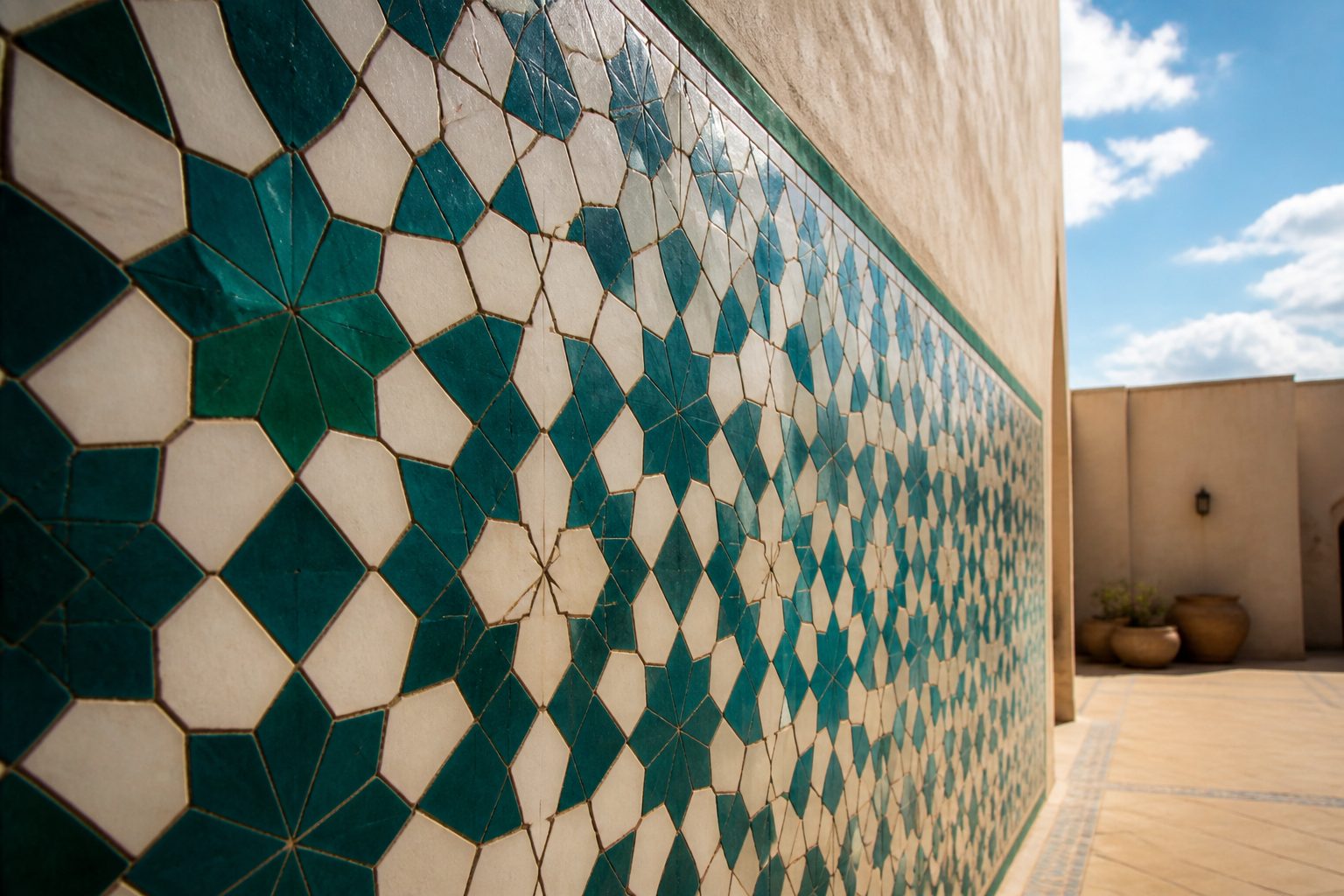
PatternTile draws zellige, khatam, grid, dots, waves, gradient, or none. The active pattern comes from data-pattern on <html>, set by the showcase picker or a template code.
DaisyUI's .hero is a grid, which would clip absolutely positioned tiles. Shared CSS resets grid-area on .pattern-tile / .photo-canvas children so the pattern covers the full padding box.
On CMS pages
Basic, news, and contact pages pick banner height (25/50/75/100) and image alignment in the editor. Home and other modular pages use the Banner module in the page-parts builder (badge, buttons, gradient / pattern / solid / photo). Those fields seed from markdown heroImage / home: on first Reset.
See /showcase for live toggles between stretched and centered on both banner types.